Why geo QA matters in a payment funnel
Payments are rarely “one size fits all”. Countries differ in available payment methods, card authentication requirements, issuer behavior, Checkout localization, address formats, and KYC expectations. That’s why qa платежів гео (geo QA of payments) is a dedicated testing track: it validates that your funnel works correctly across target countries and doesn’t lose conversion due to regional edge cases.
In this article, a “payment funnel” means: price/currency → payment form → 3DS2/SCA → success/failure → webhooks and access/subscription updates → optional KYC (Identity/Connect). With Stripe, this is typically Stripe Payments + Stripe Checkout; advanced setups also use Stripe Connect and/or Stripe Identity.
What changes by country in Stripe, Checkout, and 3DS2
- Payment method availability depends on country and currency.
- 3DS2/SCA behavior varies (especially in EEA); you must cover frictionless and challenge flows.
- Issuer differences: the same integration can behave differently for cards from different countries.
- Currency and pricing: rounding, display formats, tax-related differences.
- Checkout localization: language, field order, required address attributes.
- KYC: required fields and documents vary by country and product type.
Why mobile proxies are useful for realistic geo testing
Basic VPN testing can introduce noise: some anti-fraud systems and bank flows treat datacenter IPs differently than “consumer-like” traffic. Mobile proxies (4G/LTE/5G) often resemble real user networks more closely and help reproduce production-like conditions: NAT, occasional IP changes, and real carrier patterns.
Use proxies to reproduce environments, not to bypass rules. Run in test mode, use test data, and validate lawful scenarios.
What to prepare before the first run
- Environment: Stripe test mode (and isolated sandboxes where applicable), a dedicated staging domain.
- Tools: separate browser profiles/containers, DevTools, a proxy manager, and optionally Stripe CLI for webhooks.
- Logging: correlate checkout.session.id, payment_intent.id, statuses, and decline reasons.
- Geo matrix: a prioritized country list (top traffic, top revenue, high-risk markets).
- Scenario set: “golden paths” plus negative and recovery cases.
A baseline scenario matrix for Stripe Checkout
- Price/currency: correct display, rounding, coupons/promotions.
- Payment method: major card brands and “international card not matching user country”.
- 3DS2: frictionless, challenge, user cancels the challenge, retry flow.
- Address: country-specific requirements, validation errors, autofill quirks.
- Mobile vs desktop: redirects, pop-up blockers, embedded flows.
- Post-payment: success/cancel handling, webhook processing, correct product state.
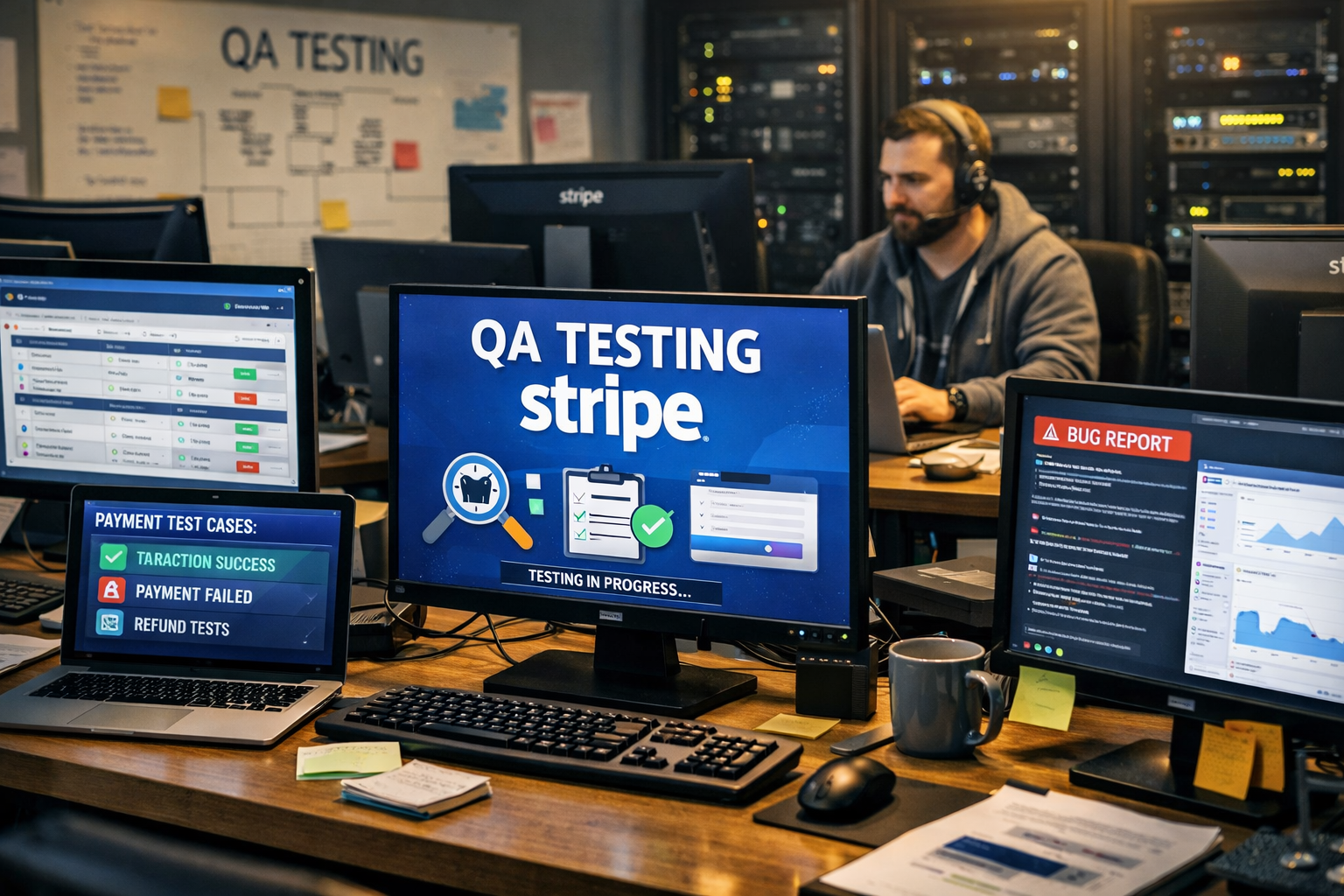
This is the core of stripe qa: ensuring that each step behaves predictably across countries.
3DS2 testing: frictionless vs challenge, and recovery
3DS2 (EMV 3‑D Secure) may be invisible to the user (frictionless) or require an explicit challenge (OTP/app approval). In Stripe test mode you can trigger challenge flows and approve or cancel them in a mock authentication page.
- Cover both modes: frictionless success and challenge success/failure.
- Stress the UI: user closes the tab, presses back, refreshes, changes language.
- Validate recovery: retry without duplicating orders, consistent user messaging.
Many teams fail 3ds2 тестування due to state handling, not the protocol itself: stuck spinners, incorrect statuses, confusing error text.
KYC by country: focus on states and user experience
KYC typically shows up during Connect onboarding or user verification (Identity). Country impacts which fields and documents are required. For QA, focus on integration states (pending/verified/rejected), retries, localization, and clear guidance—rather than attempting to source real documents.
How to run geo tests with mobile proxies
- Step 1. Pick a country and enable a mobile proxy for that geo.
- Step 2. Align browser language and time zone (or intentionally test mismatches).
- Step 3. Execute the success path and record all identifiers.
- Step 4. Execute 3DS2 cases (challenge/cancel) and negative declines.
- Step 5. Validate webhooks and final product state.
Common geo-only bugs
- Wrong currency/price formatting after redirects.
- Address validation failing only for specific countries.
- 3DS window not opening on mobile or blocked by browser policies.
- Duplicate orders when returning from 3DS (idempotency gaps).
- Webhook delays/loss causing incorrect subscription status.
- KYC stuck in pending with no UI refresh.
Conclusion
Mobile proxies are a practical way to reproduce real user conditions across countries. With a disciplined geo matrix, 3DS2 coverage (frictionless + challenge), robust webhook handling, and meaningful metrics, geo QA reduces conversion loss and catches payment bugs that local testing often misses.