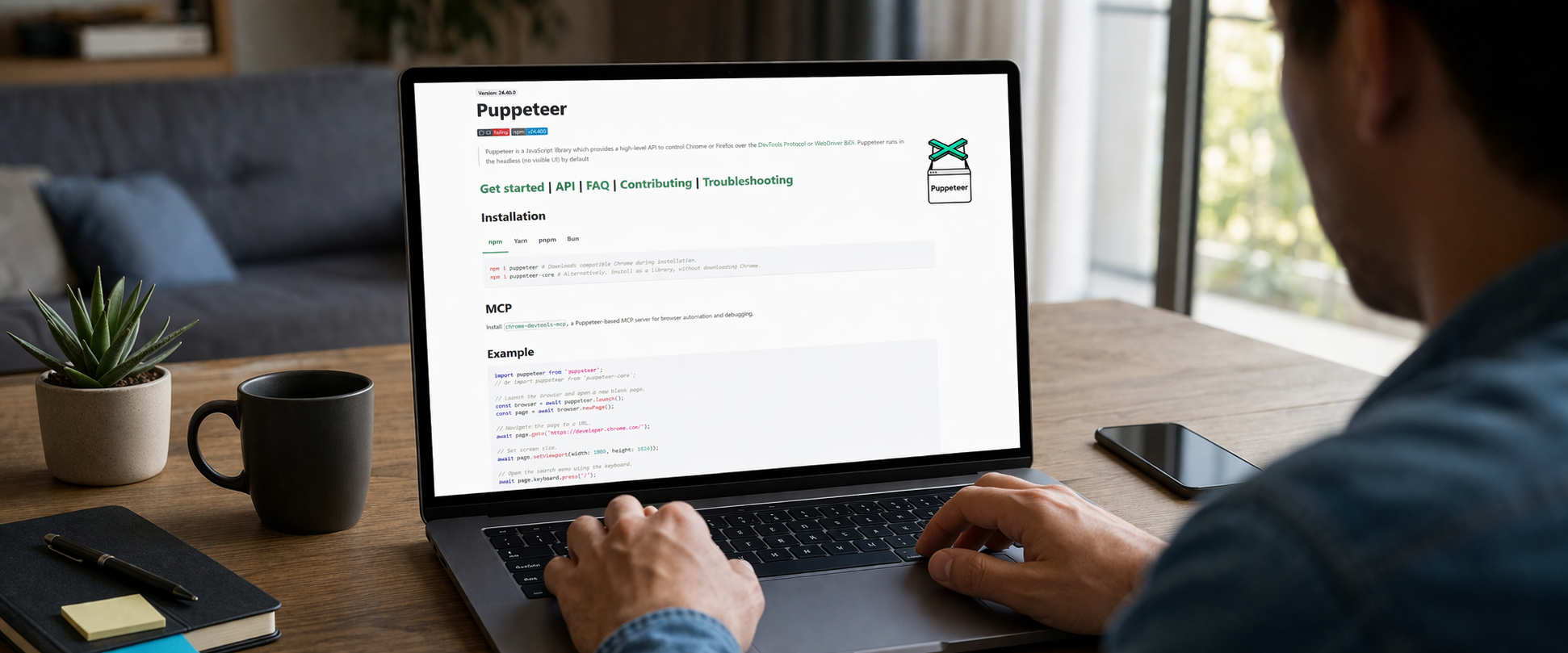
Why Puppeteer needs mobile proxies
Proxies for Puppeteer become important when a team needs to see a page the way a real user sees it in a specific region. Puppeteer is well suited for page rendering, screenshots, layout checks, browser workflows, and technical monitoring. But if every test runs from the same data center IP, the team sees only one version of reality. For SEO, local landing pages, and geo-sensitive content, that is often not enough.
Mobile proxies create a different perspective. The request goes through a mobile operator IP, so the check is closer to how a site, ad landing page, or SERP looks to a normal smartphone user in a specific city or area. For tasks that require geo screenshots, this difference matters. It becomes especially visible when the same page shows different blocks depending on location, language, operator, anti-bot logic, or traffic source.
In practice, this is useful far beyond SEO teams. Browser automation with Puppeteer and a mobile IP can be used for regional campaign checks, product page validation, ad landing page monitoring, CSS and JavaScript rendering checks, and “as-seen-from” validation: what does a user actually see from Kyiv, Lviv, Odesa, or any other city.
Puppeteer proxy in real workflows
When people say puppeteer proxy, they often mean the basic act of attaching a proxy server to the browser launch process. In real work, however, the key question is not whether a proxy is attached, but whether the output is trustworthy. If the goal is only to open a page and save an image, almost any route may work. If the goal is to evaluate Google results, local blocks, landing page behavior in a chosen region, and rendering quality over a mobile network, a dedicated mobile proxy gives better results.
A common use case is an SEO team that takes daily screenshots of SERPs and landing pages by city. For example, pages are checked separately for city-level queries and local intent. The visual output may differ a lot: map packs, local results, ad order, phone number in the header, banners with regional offers, and even language choices for some elements. A single centralized server does not always show those differences clearly.
Another scenario is release control after a landing page update. Developers publish a new version and the marketing team wants to confirm that the page opens correctly in real conditions. In that workflow, Puppeteer loads the URL through a mobile IP, waits for loading to finish, captures a screenshot, records the HTTP status, redirects, console errors, and time to render. That turns a simple visual check into real availability monitoring from the end-user point of view.
Geo screenshots: what should be checked
If a team collects geo screenshots, it helps to define the baseline in advance. Saving PNG files alone is not enough. A stronger workflow records the same set of data on every run.
- The page URL or the exact search query.
- The city, region, or mobile operator route used for the check.
- The device type: mobile viewport, desktop viewport, or both.
- The HTTP status, redirect chain, and final URL.
- Load time, timeout events, and JavaScript errors in the console.
- First-screen and full-page screenshots.
- The presence of critical blocks such as a form, button, phone number, CTA, map, or price.
This approach makes it possible to see meaningful changes instead of simply “looking at a picture.” The same page can be available in two cities, but in one region a banner may fail to load, in another the main button may break, and in a third the page may open in the wrong language. For SEO and performance teams, that is a valuable signal.
That is why proxies for Puppeteer are often used together with extra DOM checks: does a required selector exist, does a block contain the expected text, is the interface hidden by a popup, and did canonical, hreflang, or the meta title change.
Availability monitoring through a mobile IP
Availability monitoring in a real browser is useful when a basic ping or HTTP check fails to show the real issue. A server may return HTTP 200 while the user sees a white screen, an endless loader, an empty product block, or a JavaScript error after load. Puppeteer helps because it validates not only the server response, but the actual rendered page.
Dedicated mobile proxies make it possible to run separate checks by city or by operator. This matters for websites whose behavior depends on geography, CDN routing, anti-bot protection, ad traffic, or local integrations. If a page is broken only for a subset of users, standard monitoring from a data center often misses it. A mobile route is much closer to the real user experience.
In a solid setup, browser automation for monitoring includes several layers: loading the page, waiting for a critical selector, checking visibility of important elements, saving a screenshot, logging console errors, and writing the final status to a table or dashboard. The team then sees more than “up” or “down.” It sees a useful explanation: the page responded, but the header did not render; the page loaded only partially; a widget failed; or an analytics script did not execute.
Why a dedicated mobile proxy is better than a shared pool
Puppeteer works best when the environment is predictable. A shared pool may be fine for broad low-risk tasks, but for repeated checks using the same workflow, a dedicated mobile IP or a dedicated route is often more useful. It makes debugging easier: if the result changes, the team can assume that the page, the SERP, or the region changed, not the quality of a random proxy from a shared pool.
The dedicated model also helps with scheduled screenshot jobs. For example, every morning at 08:00 a team runs checks across 12 cities. Each city uses its own profile with a fixed viewport, browser language, time zone, URL list, and proxy route. That makes trend comparison cleaner and reduces noise in the data.
Rotation control is another advantage. In some workflows the IP should stay unchanged during a batch of checks to keep the comparison clean. In others, the IP should rotate on a controlled schedule. With a dedicated mobile proxy, the team decides how the session behaves instead of adapting to the limitations of a shared proxy pool.
How to structure SERP and landing page checks
A practical setup usually starts with a list of cities and a list of queries or URLs. Then each scenario gets its own run settings: browser profile, viewport, language, timeout, waiting rules, and proxy route. After that, Puppeteer opens the page, collects technical data, and saves screenshots.
For SERP checks, it is useful to record:
- the query itself and the check time;
- the city or proxy geography;
- whether maps, ads, local packs, videos, FAQs, or other blocks are present;
- positions of the team’s own site and a few competitors;
- a first-screen and a full-page screenshot.
For landing pages, useful checks include:
- whether the page opens without errors or redirect loops;
- whether a cookie banner or popup hides the content;
- whether the form, button, phone number, price, and map are visible;
- whether the page looks the same across regions;
- whether text, currency, language, or local blocks change unexpectedly.
This kind of workflow fits well into a daily automated schedule. The team receives an image archive, a status table, and a readable log showing where the issue happened, in which region, and at what step.
What to look for when choosing proxies for Puppeteer
If a team needs proxies for Puppeteer for real browser workflows, not just for a checkbox, it should look beyond the IP type. The practical criteria are more important:
- whether access is dedicated rather than only a shared pool;
- whether geography, operator, or at least regional routing can be selected;
- whether stable sessions are supported for longer checks;
- whether IP rotation can be controlled;
- whether latency stays predictable enough for repeated screenshot work;
- whether integration into a Node.js workflow is simple;
- whether the connection quality is good enough for routine rendering and screenshots.
If the job is only “run a few checks per day,” the requirements are moderate. If the team captures dozens or hundreds of pages per day across several cities, then stability, repeatability, and session control become much more important. That is where mobile proxies for browser automation show their real value.
Conclusion
Puppeteer proxy is not just a technical way to send traffic through a different IP. For SEO, QA, performance, and marketing teams, it is a way to see a page through the eyes of a real user in a real region. Dedicated mobile proxies are especially useful when a workflow depends on repeated geo screenshots, SERP checks, “as-seen-from” validation, and availability monitoring at the rendering level rather than only at the server level.
When the process is designed well, the team gets more than a folder of random images. It gets a usable control system: what the browser saw, from which city, through which route, how long the page took to render, and whether technical failures appeared. For modern workflows where browser automation is closely tied to SEO and landing page quality, that is already a practical operating tool.
FAQ: short answers about mobile proxies for Puppeteer
Is changing the IP enough without a mobile route?
For some technical tasks, yes. But when the goal is to validate a page in conditions closer to a real mobile user, a mobile route often gives a more accurate result. This matters most for local search results, advertising flows, and pages that react to traffic type.
Can one browser profile be used for every city?
Technically yes, but separate profiles usually produce cleaner data. A dedicated profile per city, or per city group, reduces noise from cookies, cache, local storage, and personalization effects. For repeated screenshot jobs, that makes comparisons more stable.
What is more important: the screenshot or the DOM check?
The strongest setup uses both. A screenshot shows what the user actually saw, while a DOM check explains why a visual difference happened. For example, it can reveal that a button never rendered, a form was hidden by a popup, or a critical block was missing from the markup.
Are mobile proxies suitable for daily SEO monitoring?
Yes, especially when the workflow depends on repeated SERP checks, local landing page validation, regional content comparisons, and “as-seen-from” screenshots. Those are exactly the cases where dedicated mobile proxies for Puppeteer become the most useful.