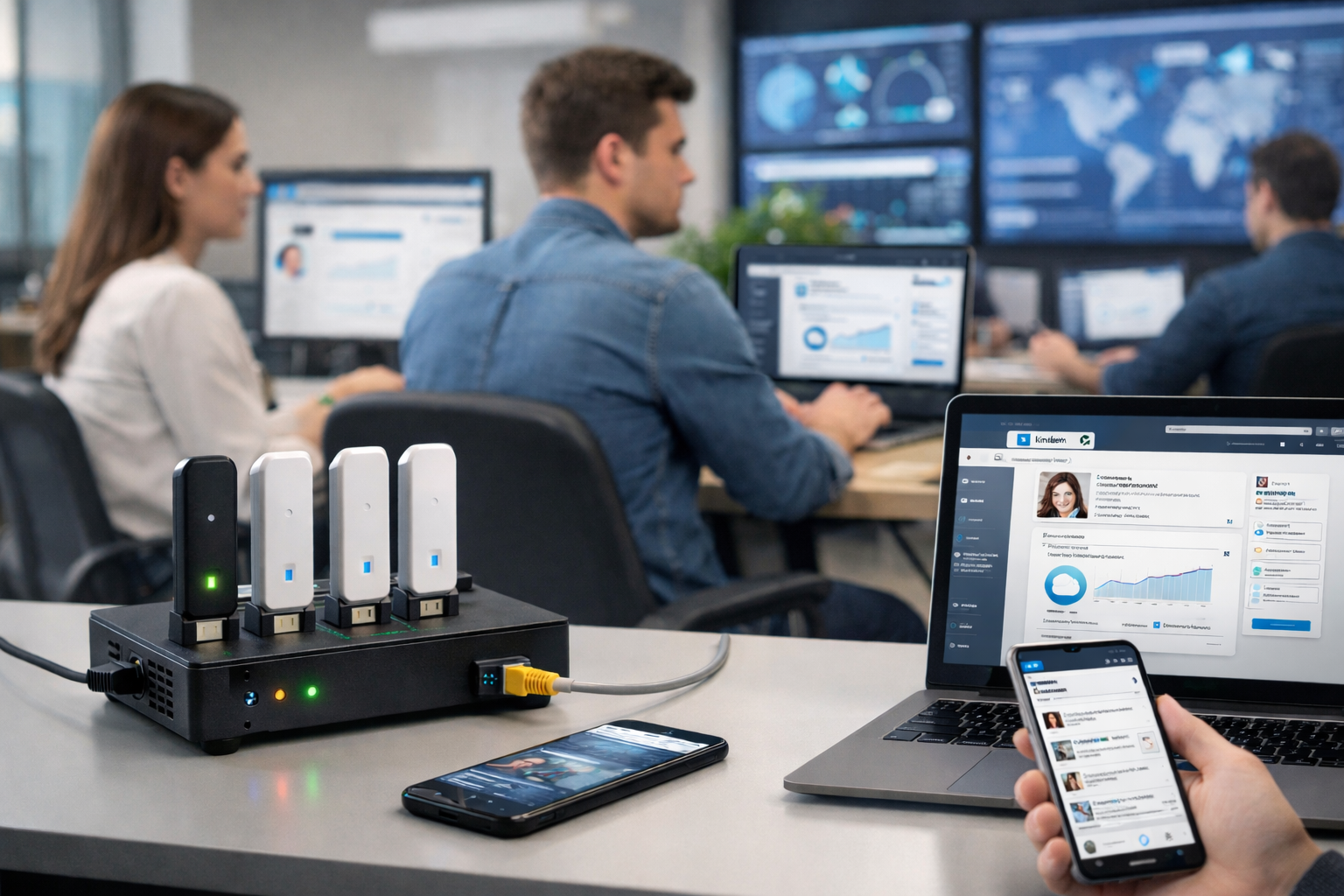
What “mobile proxies” mean for LinkedIn work
A mobile proxy routes your traffic through IP ranges owned by mobile carriers (4G/LTE/5G). In B2B operations, the goal is not to “bypass” LinkedIn rules, but to support predictable team access and geo‑QA: checking how Pages, posts, and landing pages appear across countries and networks.
Key idea: a proxy should not replace compliance. It should reduce noisy signals (random IP/geo changes) and make regional QA repeatable.
Who benefits from mobile proxies for LinkedIn QA
- Agencies managing LinkedIn Pages for multiple markets and languages.
- Distributed B2B teams (sales ops, marketing) that log in from different locations and devices, increasing the chance of security “false positives”.
- Product and content teams validating landing pages, redirects, forms, and localization.
This is the practical scope behind “mobile proxies for LinkedIn QA”, “content visibility testing”, and “B2B localization”.
Legitimate use cases (no grey tactics)
- Team workflows for corporate Pages. Each person uses their own LinkedIn account; access is granted via Page admin roles.
- Regional visibility QA. Validate the Page storefront, post rendering, link previews, and CTAs from target countries.
- Geo‑QA for landing pages. Language, currency, contact blocks, UTM parameters, and geo‑redirect behavior.
- B2B localization QA. Job titles, terminology, legal text, phone formats, and region‑specific offers.
- Reducing noisy security triggers by keeping sessions and locations consistent for real team members.
What to avoid
- Shared credentials (one account for many people) and password/code sharing.
- Fake profiles or mass account creation.
- Aggressive automation (mass invites, messaging, data scraping).
- Chaotic geo jumps and frequent IP changes mid‑session.
Recommended access model: roles instead of shared logins
For agencies and teams, the safest pattern is straightforward: one person = one account, while corporate access is granted through roles and permissions. This improves accountability and reduces risky credential sharing.
- Assign one network profile (country/carrier) per user for day‑to‑day work.
- Create separate geo profiles for QA markets (e.g., UA/PL/DE/US) and document why they exist.
- Keep an internal log of who used which geo profile and for what QA task.
How mobile IPs can reduce “false positives”
Security checks are more likely when logins look inconsistent (frequent IP changes, unexpected countries, multiple devices at once). Mobile proxies can help if you follow process discipline:
- Sticky sessions. Keep the same IP for the duration of a QA or Page‑management session.
- Predictable geography. Use the user’s usual work country, or a documented set of QA countries.
- Rotate only when needed. For a specific test or a genuine IP issue.
- Limit parallel sessions. Avoid the same profile being used simultaneously on many machines.
Geo‑QA checklist: what to test
- Page storefront: header, description, CTA buttons, links, region‑specific contacts.
- Posts: formatting, link previews, hashtags/mentions, mobile rendering.
- Landing pages: redirects, language, UTM preservation, speed, HTTPS, cookie prompts.
- Forms: fields, validation, success/error messages, deliverability of follow‑up emails.
- B2B localization: terminology, currency, phone formats, legal disclaimers.
Even if organic post distribution isn’t “geo‑targeted” like ads, your customer journey often is: the website, forms, and localized modules can behave differently by country.
Agency workflow example
An agency manages a brand across six countries with a global Page plus local storefronts. Posts are published in three languages and drive traffic to regional landing pages.
To prevent issues after publishing, the team maintains a set of geo profiles (mobile connections per target market) and runs a repeatable QA checklist before launch and on publish day. Results are tracked in a simple table: country → asset (Page/post) → landing page → status → screenshot/notes → owner. Access to Pages is handled via roles; each team member uses their own account.
How to choose a mobile proxy for this purpose
- Session control (sticky) to keep IP stable during work.
- Country selection, optionally carrier selection if your QA depends on mobile networks.
- On‑demand rotation, not forced frequent rotation.
- Connection logs to reproduce QA incidents.
- Compatibility with your setup (HTTP(S)/SOCKS5; browser profiles).
- Clear provenance and privacy terms from the provider.
Safe login checklist for teams
- Personal accounts only; no credential sharing.
- Enable 2FA on LinkedIn and on the connected email account.
- Use unique passwords and a password manager.
- One user → one browser profile/device; minimize parallel logins.
- Keep geo profiles stable and documented.
- Have a recovery procedure: who confirms logins, where backup codes are stored, and how incidents are handled.
Compliance and privacy
To keep geo‑QA clean and explainable, document basic rules: role‑based access (no shared credentials), minimal logging, transparency with clients, and no mass automation. This turns “proxy usage” into a quality process rather than a risk signal.
Common incidents and response
- Login verification (code/email). The account owner confirms it; record the reason (QA/work) and the geo profile used.
- Suspicion of compromise. Reset passwords, review active sessions, refresh 2FA, notify the responsible owner.
- CAPTCHA or temporary limits. Slow down actions and ensure session stability (avoid frequent IP changes).
How to measure QA impact
- Time‑to‑detect issues after publishing.
- Count of localization/redirect/form incidents by market.
- Frequency of security verifications for the team.
- Lead form completion success rate by country.
Conclusion
Mobile proxies for LinkedIn QA make sense when you treat them as part of a compliance‑first workflow: stable team access plus repeatable visibility/localization checks by country. With role‑based Page access, safe login hygiene, and a clear QA checklist, mobile IPs become a quality tool—not a risk multiplier.