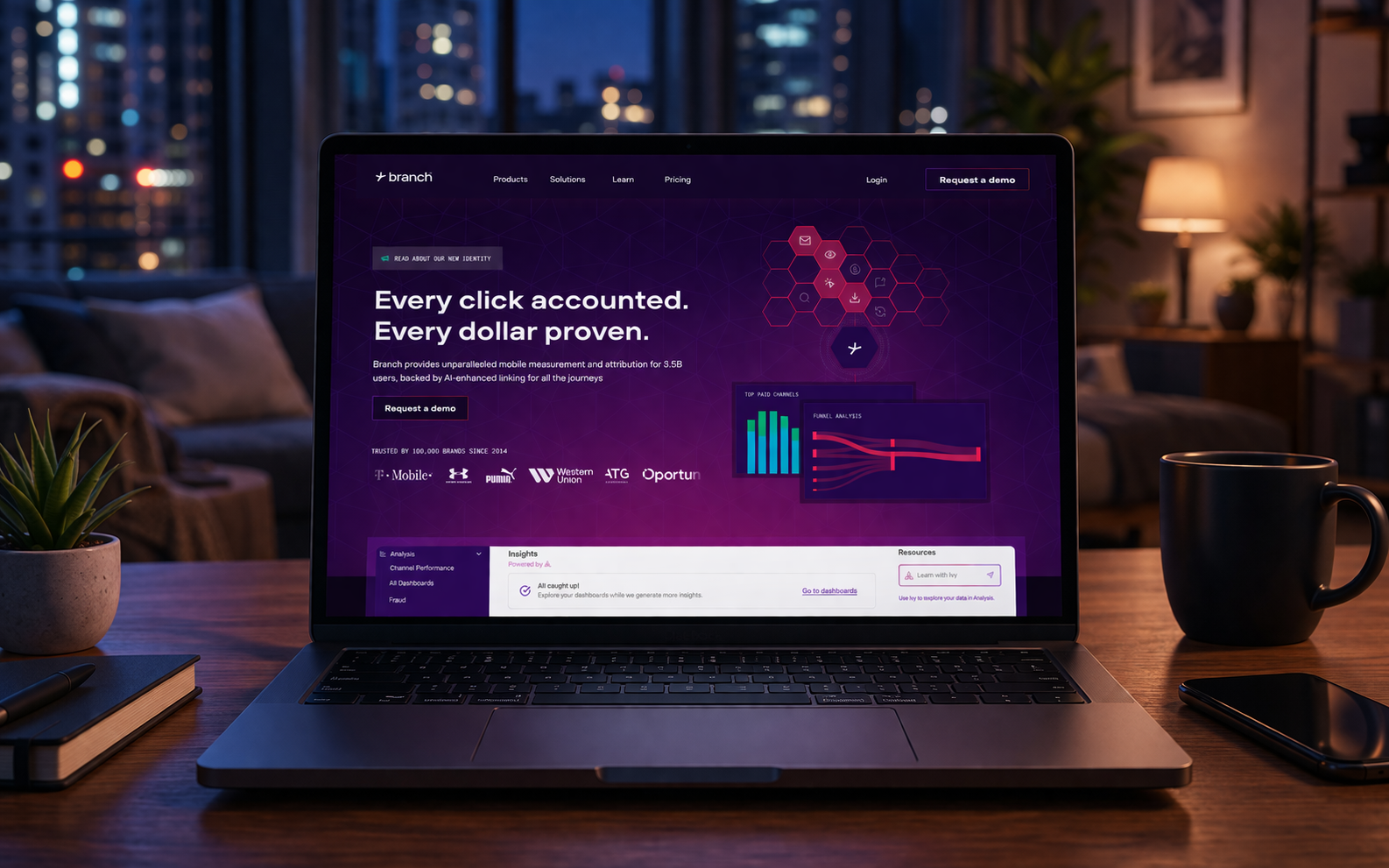
What deep linking in Branch is and why it matters
Deep links do not just open an app. They open a specific screen, section, or flow inside the app. For marketing, retention, and product QA, that matters a lot: a user taps a link from email, push, SMS, an ad, or a banner and should land exactly where the message promised — a product page, promotion, paywall, profile, cart, or onboarding step.
With Branch, deep links act as a managed routing layer. The platform lets teams create links manually or programmatically, define parameters, set separate paths for iOS and Android, assign fallback URLs, and attach analytics tags and opening rules. For QA, that means one scenario must be validated across channel, platform, app-installed state, region, locale, store, and network type — not just as “opens / does not open.”
That is why mobile proxies for Branch deep links are useful in real QA work. If a team tests deep links only over office Wi‑Fi, VPN, or datacenter IPs, it can easily miss issues that a real mobile user will see: a different store, a different region, another language version of the page, a different redirect chain, or different Universal Links / App Links behavior.
Deep linking vs deferred deep links
Deep linking works when the app is already installed. The user taps a Branch link, the Branch SDK reads the parameters, and the app opens the right screen. If the app is not installed, a regular deep link often sends the user to the store or a web page without restoring the intended context after install.
Deferred deep linking is built for that missing-app scenario. A user taps the link without the app installed, goes to the store, installs the app, and after the first open should still land on the intended screen with the campaign context preserved. For email, push, referral, affiliate, and performance traffic, this is one of the key mechanics behind a smooth user journey.
In practice, teams often mix up these two cases and then draw the wrong conclusions from testing. If the app is already on the device, one route is being tested. If the app is missing, another route must be tested — through the store, through install, and through the first app open. For branch deep linking, those must be separate QA scenarios.
Why QA needs mobile IPs, not only Wi‑Fi or VPN
When the task involves geo QA, the difference between testing “from any connection” and testing “like a real user on a mobile network” can be significant. Some campaigns, stores, Deepview pages, and routing rules behave differently depending on country, carrier, network type, or regional restrictions.
Mobile IPs for testing are especially useful for these cases:
- checking which App Store or Google Play page opens for a user from a specific region;
- verifying localization on pre-install and fallback pages;
- testing whether deep link routing breaks inside an email-tracking chain, anti-bot layer, or wrapped-link flow;
- seeing how the link behaves on a real mobile network instead of a controlled lab setup;
- comparing routing across cities, countries, locales, and stores.
For Branch this matters because the same campaign may route users into different outcomes: an installed app, a Deepview, a web fallback, a store page, or a post-install destination. If QA does not validate this across regions and real mobile networks, the issue may only appear after the campaign or message has already gone live.
How routing works in Branch
Branch supports both a general deep link path and platform-specific parameters. A link may use values such as $deeplink_path, $ios_deeplink_path, $android_deeplink_path, and $fallback_url. That gives teams flexibility, but it also creates more places where routing can break.
In practice, redirect testing in Branch is not only about the final destination. QA needs to inspect the full route:
- where the user came from — email, push, SMS, QR, in-app message, or web;
- whether the link was wrapped by another tracking system;
- whether UTM tags, campaign parameters, aliases, and custom keys survive the route;
- whether the actual behavior matches the expected behavior on iOS and Android;
- whether the app reads the parameters correctly after open.
This is where mobile proxies for Branch deep links help as a QA tool, not as a workaround. They let teams reproduce what happens in a specific region and delivery channel without physically moving devices across countries or sourcing many local SIM cards.
Bulk link generation and where errors appear
In larger teams, Branch links are rarely created one by one. They are often generated in bulk through APIs, CRM systems, CDPs, email platforms, push platforms, or internal backend services. That is normal for lifecycle marketing and transactional messaging, where one template may produce thousands of links with different campaign parameters, screens, and audience segments.
The problem is that bulk generation also scales mistakes. One wrong parameter in a template can send an entire email series to the wrong screen. One bad fallback can push users without the app to a generic website page instead of the right store. One mismatch between iOS and Android parameters can make one platform work and the other fail.
Typical issues include:
- a wrong or empty
$deeplink_path; - a mismatch between
$ios_deeplink_pathand$android_deeplink_path; - an outdated
$fallback_url; - parameter loss inside a third-party redirect;
- a wrapped link that changes the opening logic;
- no proper validation of the no-app-installed scenario.
When a company relies on deferred deep link behavior, those mistakes become more expensive. The user may install the app but still fail to reach the intended screen after first open. The install appears in reporting, but the user journey is broken.
Common deep link routing mistakes to catch before release
1. The link opens the wrong screen
This is the most visible issue, but not the only one. Instead of a specific offer screen, the user lands on the home screen, category page, or a generic web fallback. The cause is often bad route mapping inside the app or missing handling for keys coming from the Branch SDK.
2. It only works when the app is already installed
The team tests the flow on work devices where the app has been installed for months and concludes that everything is fine. But for a new user, the deferred flow fails: the store opens, yet the context is lost after install.
3. The wrong store or locale opens
For international apps, one of the most painful errors is when a user from a certain region opens the wrong store, the wrong page locale, or the wrong fallback set. Without proper geo QA and local mobile IP testing, teams often get a false positive result.
4. The link breaks after an email or push intermediary
Some systems wrap links with their own click tracking. That can change the redirect chain, strip parameters, or alter how the Branch link behaves. QA should therefore test not only the “clean” Branch link from a spreadsheet, but the exact link that will actually be sent in email or push.
5. It works on one network type and fails on another
Some issues appear only on a real mobile network: different latency, a different anti-fraud score, a different intermediate redirect page, or different browser behavior in a mobile environment. That is why mobile IPs for testing should not be replaced with VPN alone.
Practical QA case: checking links from email and push
Consider a common scenario. A product team launches an email and push series with personalized offers. If the app is installed, the user should go straight to the promotion screen. If the app is not installed, the correct store should open, and after install the app should bring the user to that same offer screen rather than the generic home page.
A QA team would usually:
- generate a test set of Branch links for several audience segments;
- test “app installed” and “app not installed” as separate paths;
- run redirect testing from different regions and locales;
- open the links over a mobile network to see the real user route;
- verify which store opens and whether context is preserved after install;
- compare the actual post-open screen with the intended deep link routing parameters.
In this setup, deep link routing is tested across the full user path, not only at the final click. That is exactly where mobile proxies for Branch deep links add the most value: teams can reproduce the experience of a user from another region, on another mobile IP, with another store locale, without changing the physical test environment.
What should be on a Branch QA checklist
- does the right screen open when the app is already installed;
- does the deferred deep link still work after install;
- do campaign parameters and custom keys survive the route;
- does behavior match on iOS and Android;
- does the correct store open for the target geo;
- does the page or fallback localization match expectations;
- does an email or push wrapper break the flow;
- is the user incorrectly sent to the browser instead of the app;
- does the scenario pass on a real mobile network, not only on test Wi‑Fi;
- do live results match what Link Validator predicts.
Conclusion
Branch is strong at deep linking and deferred deep linking, but SDK integration alone does not guarantee that routing works perfectly across all channels and regions. Problems usually appear at the intersection of conditions: another country, another store, an email wrapper, a push intermediary, no installed app, and a real mobile network.
That is why teams that take branch deep linking seriously should not rely on one-device tests alone. They need separate flows for deep links and deferred deep link, separate redirect testing, separate geo QA, and separate validation through mobile IPs for testing. That is the practical way to confirm that links from email, push, and campaigns lead users to the correct screen and behave properly in real-world conditions.