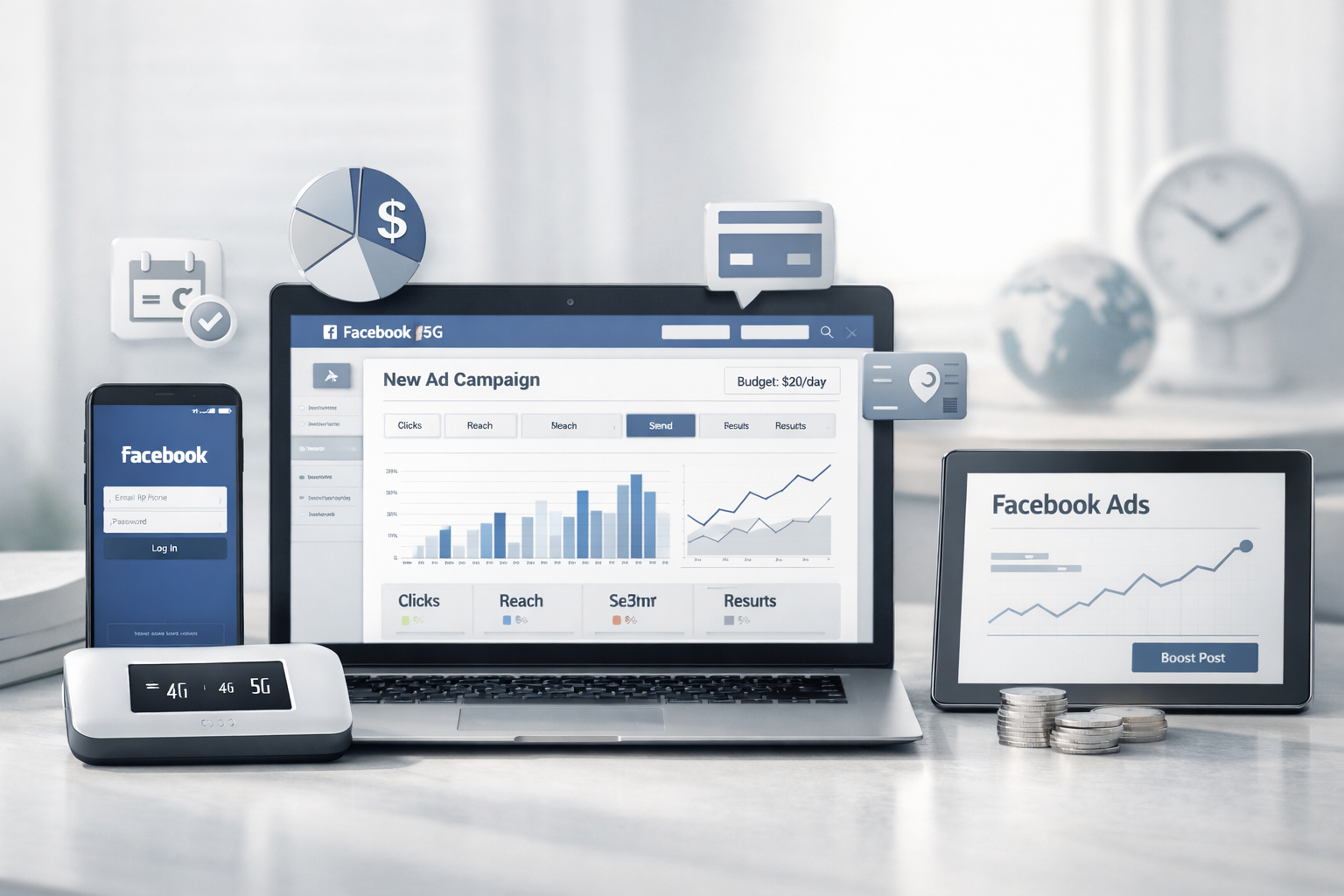
In 2025 arbitrage, the key asset is not an offer or a creative — it’s account stability. Many bans happen even before you launch ads, during the login stage. A common reason is a suspicious IP and behavior that doesn’t match a “real user” profile.
What is a 4G/5G mobile proxy and how it works
A mobile proxy is an IP address routed through a real mobile carrier network. Platforms often treat it as normal smartphone traffic because the connection parameters look natural for mobile networks.
In contrast, a datacenter IP is more likely to be seen as server traffic, which can increase risk during farming and early logins.
When you really need a mobile proxy (and when you don’t)
- Best for: account farming, first logins, payment binding, warm-up, launching and scaling Facebook Ads (and similar platforms).
- Optional for: simple scraping without logins, low-risk tasks with no payments, one-time tests with no budget.
Why Facebook Ads bans happen on login: IP trust signals
In arbitrage, a mobile proxy is not just a “more expensive IP”. It’s a technical tool to improve session trust signals, reduce login risk, and keep accounts more stable.
- fewer instant bans on login and first actions;
- more stable moderation and fewer network-related triggers;
- traffic looks closer to real user behavior.
Sticky vs rotating: what to choose
Your proxy mode should match your risk level and task. For critical actions you need a stable session. Rotation can help in scaling or technical tasks, but it can hurt during warm-up.
- Account creation / first login: sticky IP for 20–30 minutes minimum.
- Payment binding: sticky + low velocity, up to 1 hour.
- Warm-up: as static as possible for 1–2 days.
- Scaling: rotating or semi-sticky, carefully and without sharp changes.
SOCKS5 vs HTTP(S): what works better for AdsPower
For most browser-based workflows (AdsPower, multi-profiles, web logins), SOCKS5 is usually preferred because it is more universal. HTTP(S) is also fine, but often used for simpler integrations (some scrapers and scripts).
- SOCKS5: universal, best for anti-detect browsers and tools.
- HTTP(S): simpler for integrations, but not always enough for every scenario.
Top proxy mistakes that trigger bans
- Changing IP during critical actions (login, verification, payment binding).
- GEO/timezone/language mismatch (e.g., UA proxy with US timezone).
- Too many actions too fast right after registration.
- One IP for many profiles at the same time (especially parallel logins).
- Jumping between devices/browsers with no consistency.
- Over-rotating during warm-up when stability matters most.
- Only changing IP after a ban instead of fixing the environment and behavior.
Checklist: how to warm up an account with a mobile proxy
This is not about “magic settings”. It’s about basic hygiene that removes common triggers.
- Make GEO consistent: IP, timezone, and UI language should look logical.
- Keep a sticky session for 20–60 minutes during login and first actions.
- Use low velocity in the first 24 hours (no aggressive action bursts).
- One profile = one proxy whenever possible.
- Warm up for 12–24 hours before payments and campaigns.
Mini case: mobile proxy vs datacenter IP
Setup: dedicated modem + 25-minute sticky session, AdsPower, mobile gaming vertical, $300 start budget.
- First login on a mobile IP had no instant ban (datacenter IP often got banned on the second login).
- 24-hour warm-up with content and light actions.
- Tier-2 campaign launch with a $10/day cap.
Example outcome (illustrative): fewer login bans, longer account lifetime, and better CTR on mobile IP. Real results depend on account quality, warm-up, billing, creatives, and behavior patterns.
How to pick a mobile proxy for your workflow
- Shared / reseller: higher risk, good for tests and loss-tolerant tasks.
- Dedicated mobile modem: lower risk, best for ads, farming, warm-up, and stable scaling.
- 4G/5G sticky (20–60 min): for first logins and payments.
- API rotation: for scraping and technical tasks (be careful with logins).
Recommended “patch” process
- During farming: use 30–60 min sticky sessions, no sharp IP changes.
- During launch: keep static or stable sticky mode, avoid rotation.
- Above $50/day spend: don’t change sessions more often than every 48 hours without a reason.
- Never change IP while binding a payment method.
- After bans, review modem/pool/profile patterns — not just the IP.
FAQ
- How long should a sticky session be? 20–60 minutes for login; up to 1 hour for payment binding.
- 4G or 5G? Pool quality and sticky mode usually matter more than the network standard.
- One proxy for two accounts? Possible, but avoid parallel logins and keep natural behavior.
- How to detect a “burned” IP pool? More checks on login and repeated bans with the same workflow.
Conclusion
Mobile proxies help most when platforms evaluate trust before you even start running ads. The strongest results come from stable sessions, clean warm-up, and consistent behavior — not from 4G/5G alone.
You can test a dedicated modem proxy (UA or MD GEO, 20-minute sticky) to validate your setup in real conditions.