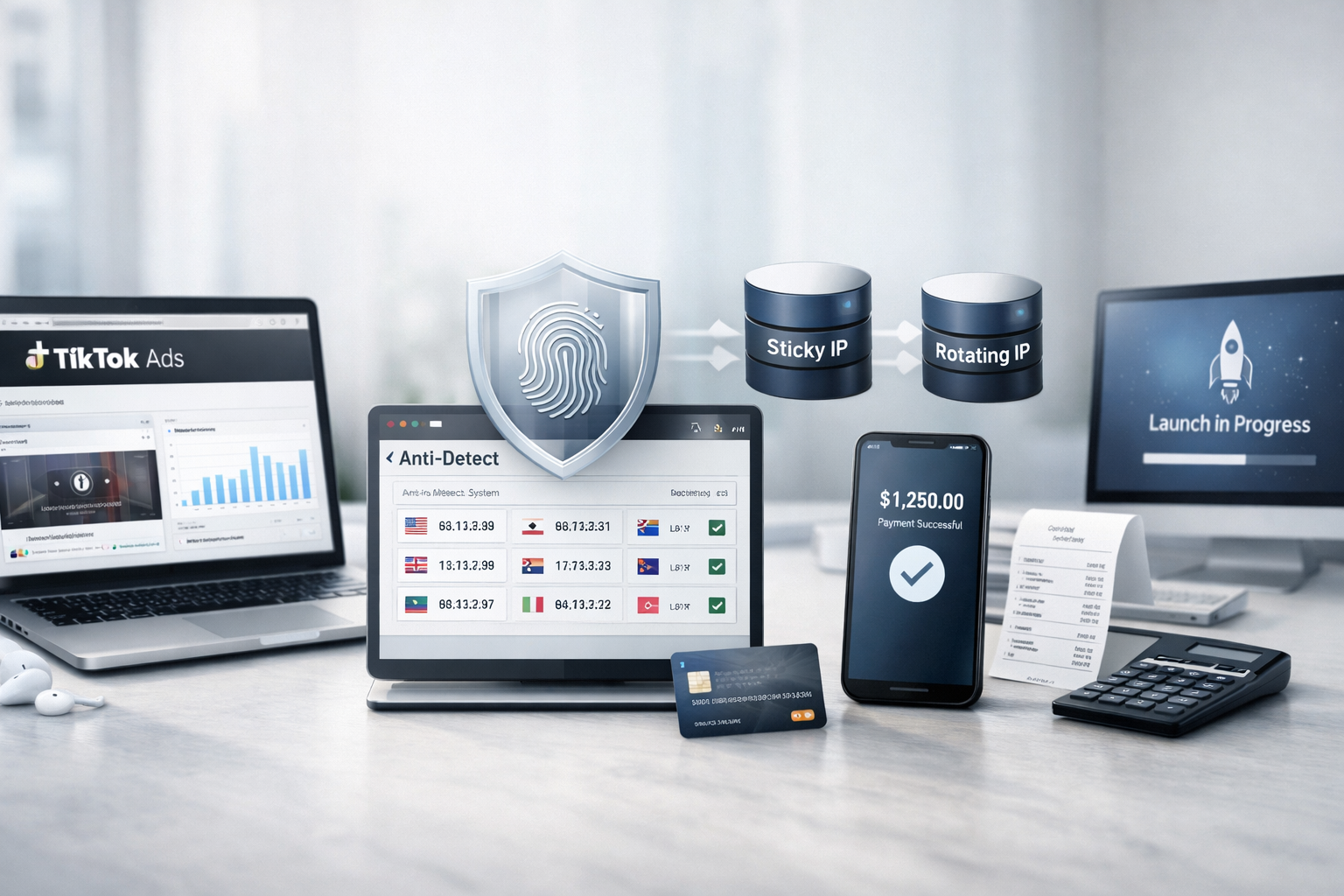
Mobile proxy ad launch checklist: pre-start checks
Before you launch ads, it’s not enough to review creatives and budgets. You also need a clean IP environment, stable sessions, and realistic behavior signals. In 2025–2026, many bans happen during login or while adding a payment method—usually because of a suspicious IP, leaks, or moving too fast in a fresh profile.
This checklist is built to be clear for beginners and still useful for experienced buyers. It covers common setups for Facebook Ads and TikTok Ads: warm-up, anti-detect browser, sticky/rotating modes, payments, and the first campaign.
Why 4G/5G mobile proxies can reduce ad bans
A mobile proxy routes traffic through a real mobile carrier (4G/5G, sometimes 3G). For anti-fraud systems, it looks closer to a normal user on a mobile network rather than server traffic.
- Mobile IPs often have more natural usage patterns than data center IPs.
- CGNAT in mobile networks reduces direct ties to a single host or server-like footprint.
- For multi-account testing, session stability (sticky) matters more than random rotation.
How to choose mobile proxies for ads: dedicated, sticky, rotating
If you choose the wrong proxy type, the rest of the setup may not help. Use these baseline rules:
- Dedicated modems are preferred; shared pools can add noise from other users.
- Make sure it’s truly mobile 4G/5G, not “residential via VPN/tunnel”.
- Sticky sessions are mandatory for login, warm-up, and payments: 20–30 minutes before login, 30–60 minutes for payments.
- Use rotation only at the right moment—never during login or payment steps.
Pre-login checks: GEO, ASN, DNS, WebRTC leaks
The goal is a consistent profile: IP location, timezone, language, DNS behavior, and no leaks.
- GEO and ASN: verify with
ipinfo.ioorwhoer.net. Location should match your account scenario. - IP stability: hold a sticky session for 20–30 minutes before login to avoid subnet “jumps”.
- WebRTC leaks: block at the proxy/anti-detect level, not just a browser toggle.
- DNS: avoid patterns that don’t fit your GEO (e.g., a UA-style profile with persistent US DNS signals).
- IPv6: if IPv6 sometimes shows the wrong GEO, disable it or route it correctly.
Anti-detect setup for ads: fingerprint, language, timezone, Canvas/WebGL
Anti-detect is about consistency. A common beginner mistake is changing the fingerprint during warm-up or making an “over-perfect” profile.
- Keep the fingerprint stable for the entire account lifecycle—no refresh between sessions.
- Canvas/WebGL: either realistic and consistent or static—just avoid changes.
- Browser language should match the account language (e.g., EN_US, UA_UA).
- Timezone must match IP location; don’t “fix” it with a VPN—set it in the profile.
- 2FA: connect it after 2–3 clean logins, not on the very first login.
Velocity control: survive the first 48 hours
Platforms evaluate not only what you do, but how fast you do it. Even with mobile IPs, too many actions too quickly increases risk.
- Limit to 1–2 logins per 24 hours on a new account.
- After the first login, spend 3–7 minutes on normal activity (scrolling, viewing), not idle.
- Don’t add payment methods or open advanced ad settings immediately.
- Warm-up for at least 24–48 hours (longer for higher-risk verticals).
Adding a card or eWallet safely: session rules
Payments are one of the highest-risk steps. Use long sticky sessions, zero rotation, and a stable fingerprint.
- Increase sticky to 30–60 minutes and keep the same IP until the step is completed.
- Align browser language with the card/billing country when possible.
- Do not during payment setup:
- rotate IPs;
- re-login multiple times “to fix it”;
- change user agent, fingerprint, or system profile settings.
First campaign in Facebook Ads / TikTok Ads: safe start
Your first launch is about passing moderation and building trust—not maximizing ROI on day one. Start small with softer objectives.
- Starting budget: a typical safe range is ≤ $10–15 per campaign (or your local equivalent).
- Objective: Engagement / Video Views is often safer than Conversion at the beginning.
- Target GEO should match proxy GEO: platforms correlate login and launch locations.
- Don’t change the proxy until moderation is done and delivery stabilizes.
Beginner mistakes that still get you banned on mobile proxies
- Rotating IPs during login or payment steps.
- Importing cookies from another IP session or another profile.
- Using a VPN instead of a mobile proxy (especially low-quality exits).
- Launching multiple campaigns immediately after account creation.
- Refreshing the fingerprint between sessions.
PRO scaling tips: keep stability while growing
- One account = one environment: anti-detect profile + proxy + behavior. Don’t mix.
- Log your setup: IP, ASN, GEO, timezone, and profile/fingerprint version.
- Use rotation after warm-up, not on the first sessions.
- Plan warm-up as a process: logins, then payments, then the first launch.
Mini case: TikTok Ads → Tier-2 Dating (mobile IP vs data center)
The setup was simple but disciplined: long sticky sessions, stable profile, and strict velocity control. It’s not magic—just risk reduction.
- Proxy: Dedicated 4G (carrier mobile IP)
- Sticky: 25 min → 40 min (payment step)
- Browser: AdsPower
- Login velocity: 1 login / ~20 hours
| Metric | Data center IP | Mobile IP |
|---|---|---|
| Ban before launch | 72% | 28% |
| Approved without manual review | 18% | 49% |
| ROI on day 5 | -9% | +22% |
2-minute pre-start checklist
- Dedicated 4G/5G mobile proxy (not shared).
- Sticky 20–30 min before login; 30–60 min for payments.
- GEO/IP/timezone/language are consistent.
- No WebRTC/DNS/IPv6 leaks.
- Stable fingerprint; Canvas/WebGL do not change.
- Velocity: 1–2 logins/24h; 24–48h warm-up.
- Small budget + softer objective; no proxy change until moderation completes.
What you must not do
- Rotate IPs during login or payment steps.
- Import cookies from a different IP session.
- Replace mobile proxies with a VPN for ad work.
- Launch many campaigns right after account creation.
- Refresh fingerprint or “re-tune” the environment every session.